How to Collect Every Guest Photo From Your Wedding (Without Chasing Anyone)
Your guests take hundreds of photos you never see. Here is a simple, no-app way to collect every one of them in a single gallery.
3 min read
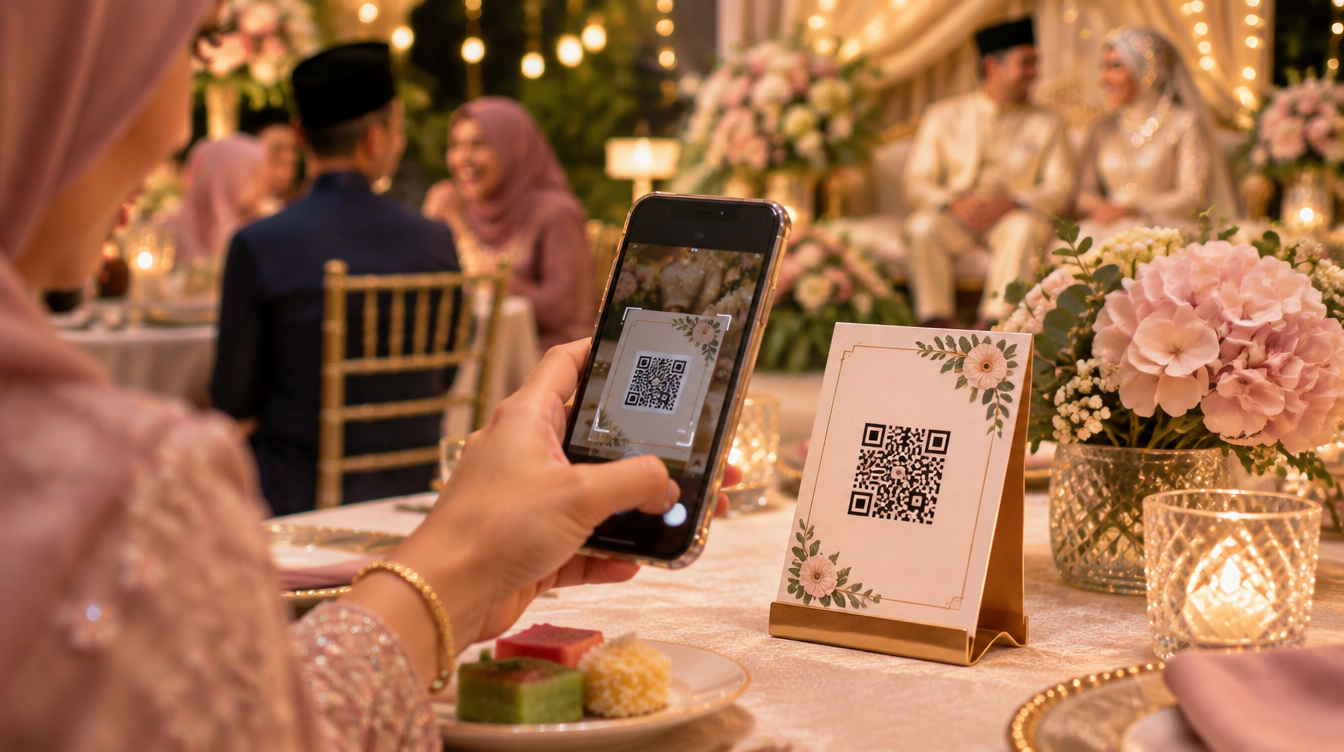
At a typical Malaysian wedding, your guests will take more photos than your photographer. Aunties film the merenjis, cousins take selfies at the pelamin, friends capture the moment you walk in. And then most of those photos stay on their phones forever.
A week later you are posting "anyone have photos from the tables?" in three WhatsApp groups, getting compressed images back one at a time. There is a better way.
Why guest photos are worth collecting
Your photographer captures the planned moments: the ceremony, the family portraits, the cake. Your guests capture everything in between.
- Candid angles your photographer could not be at, because they were busy at the pelamin.
- The tables: old friends reuniting, kids dancing, your grandparents laughing.
- Behind the scenes: getting ready, the drive, the late-night clean-up.
- Speed: you can see guest photos the same night, weeks before the professional album arrives.
The old ways (and why they fall short)
WhatsApp groups
WhatsApp compresses photos, mixes them with chat messages and depends on guests remembering to send. Most never do.
Shared Google Drive or iCloud folders
These work for tech-savvy friends but confuse older relatives. Many guests need to sign in, and some will not have the app.
A wedding hashtag
Hashtags only collect what people post publicly, and most guests keep their photos private. You also cannot download them in full quality.
The simple way: a QR code on every table
The easiest method today is a QR code that opens a private upload page for your wedding. Guests point their phone camera at it, tap the link, and send their photos straight to your gallery. No app, no account, no password.
This is exactly how Snip by Pelamiin works:
- We set up your private wedding page with your names, date and welcome message.
- You print the QR table card and place it on each table, at the guest book and near the pelamin.
- Guests scan and share photos, videos and a short wish for the couple, in English or Bahasa Melayu.
- Everything lands in one gallery that you can view, approve and download in full quality.
Tips to get more guests to share
- Put the QR code where people wait. Tables, the buffet queue and the photo corner work best.
- Ask the emcee to mention it. One announcement after the meal can double the number of photos.
- Show a live slideshow. When guests see their photos appear on the big screen, they share more.
- Make it fun. A camera with a retro digicam look gives guests a reason to take a few extra shots.
- Add a PIN if you want privacy. Only guests with the code on the table card can open the gallery.
After the wedding
Download everything in one zip file before the gallery closes, then back it up in two places. Pick your favourite guest shots for a thank-you post, or print a small album for your parents. They will love seeing the moments they were too busy to notice.
Frequently asked questions
Do guests need to download an app?
No. The QR code opens a normal web page in the phone's browser.
Are the photos compressed?
With Snip, the original files are kept so you can download them in full quality.
Can older relatives use it?
Yes. If they can open a QR code, they can share a photo. The page is big, simple and available in Bahasa Melayu.
Planning your wedding photo collection? See how Snip works and try the demo before your big day.